Learn why food works
SenseiFood explains the science of cooking, what ingredients do in your body, and how to read a recipe like a debugger—then we point you to free tools when you are ready to apply it.
Questions we keep coming back to
Why do humans crave junk food more than broccoli?
Bread, emulsions, ice cream, sugar & texture—explained clearly.Why bread rises, how emulsions hold, why ice cream gets icy, how sugar changes texture—readable deep dives.
Explore articlesProtein, fiber, satiety & meals—evidence, not hype.Protein, fiber, satiety, glycemic patterns, and family eating—evidence explained without hype.
Browse nutritionTexture, spread, rise, extraction—causes & what to try next.Rule-based debugger: odd texture, spread, rise, extraction—likely causes and what to try next.
Open Fix My RecipeSomething just went wrong in the kitchen? Jump straight into the debugger—same science, faster path.
Fix my recipeSomething off? We narrow likely causes and what to try next.We flag suspicious amounts (like tbsp vs. tsp) before you bake.Open debugger →Tell us what you have
We'll suggest a match, then open a tool with real controls.
Start with ingredientsAll tools are free. No signup required.
Pick a Sensei
Same tools as above—quick links before featured articles.
What’s in your kitchen?
Tap everything you have on hand.
Scan barcode
Note: Safari may not support in-browser barcode camera scanning yet. If you are on Safari, use manual barcode entry.
Show us your fridge
Quick-tag what you can see in the photo:
Select at least one ingredient to see which Sensei tool matches what you can make.
What can I make with what I have?
Scan barcodes, upload a fridge photo, or check your pantry manually. We’ll map what you have into the best Sensei path for what you can make right now.
Select ingredients
Use barcode scan, fridge-photo tagging, or the checklist.
Get a matching tool
Suggestions update as you tap. Each link opens the right builder.
Build the recipe
Inside each Sensei you get sliders, ratios, and science — not just a static page.
Pantry items + quick photo tags
Manual entry or camera scan
Sensei builders linked
Start with the why—then jump into Fix My Recipe or a Sensei tool when you want to change something on the counter.
New articles
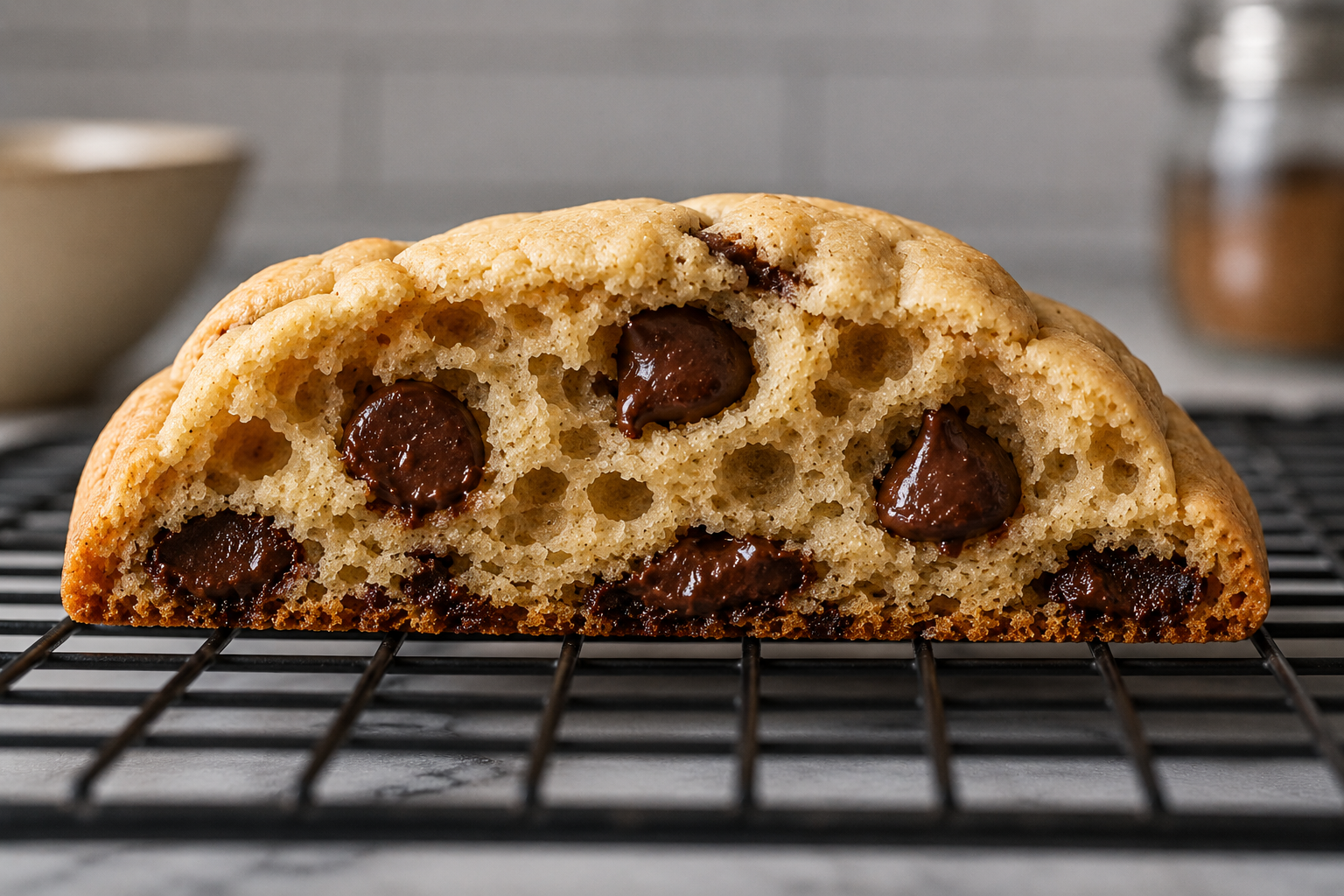
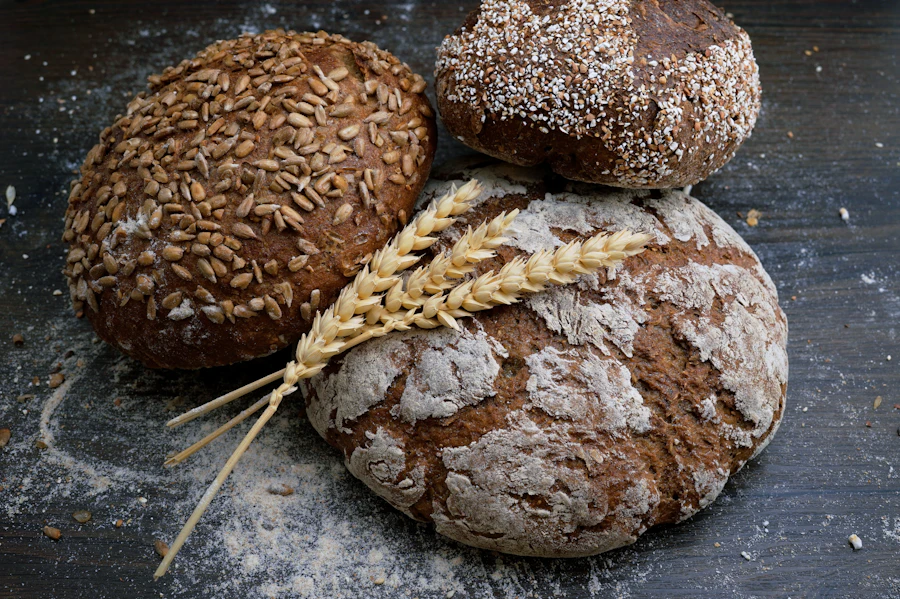

Deep dives on cookies, bread, nutrition, coffee, ice cream & more