Fix what went wrong
Spread, sink, dense crumb, sour coffee—rule-based debugging and fix-it articles when something fails in the kitchen.
Food science · nutrition · how-to
Discover how to correct recipe failures, bake better bread, make smoother ice cream, and build balanced meals—with deep science articles and free Sensei tools to apply what you learn.
Start here
How to fix cookies that spread too muchFree tools and articles. No signup required.
What you can do here
Each journey links to articles and free tools you already have—fix failures, bake better, nail frozen texture, or eat with more clarity.
Spread, sink, dense crumb, sour coffee—rule-based debugging and fix-it articles when something fails in the kitchen.
Bread that rises, cookies with the right chew, cakes that hold structure—articles plus Sensei builders for real ratios.
Scoopable texture, less iciness, overrun and fat balance—science reads and a dedicated frozen-dessert builder.
Protein, fiber, family meals, and appetite science—practical nutrition essays without hype or calorie obsession.
Free builders
Real controls—hydration, ratios, extraction, emulsions—not static recipe pages. Pick a Sensei and dial it in.
Deep dives
Read the science first—then use the how-to paths above when you want to change something on the counter.
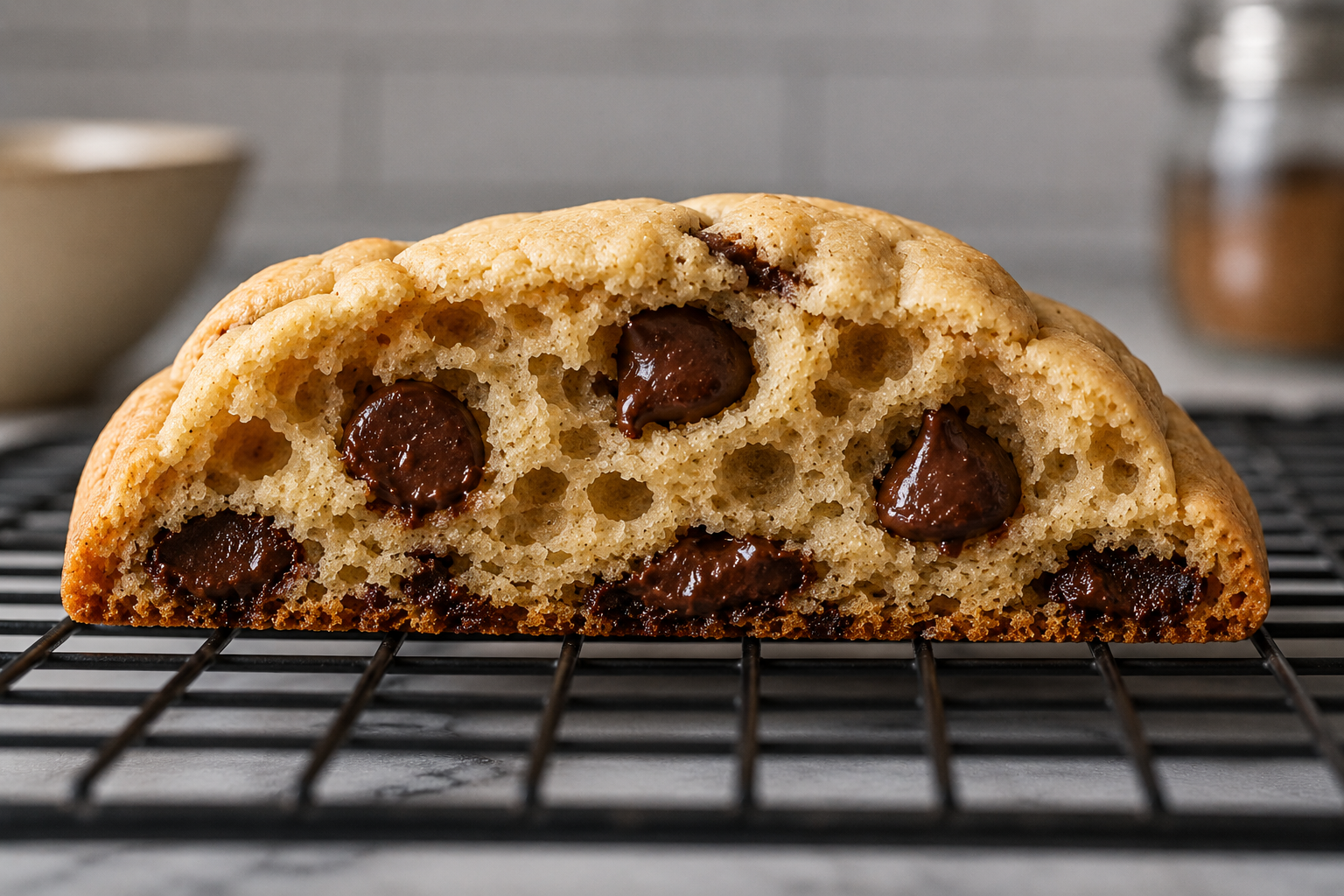
Trapped steam, aggressive leavening, or over-aerated butter can balloon cookies before they finish spreading.
Read article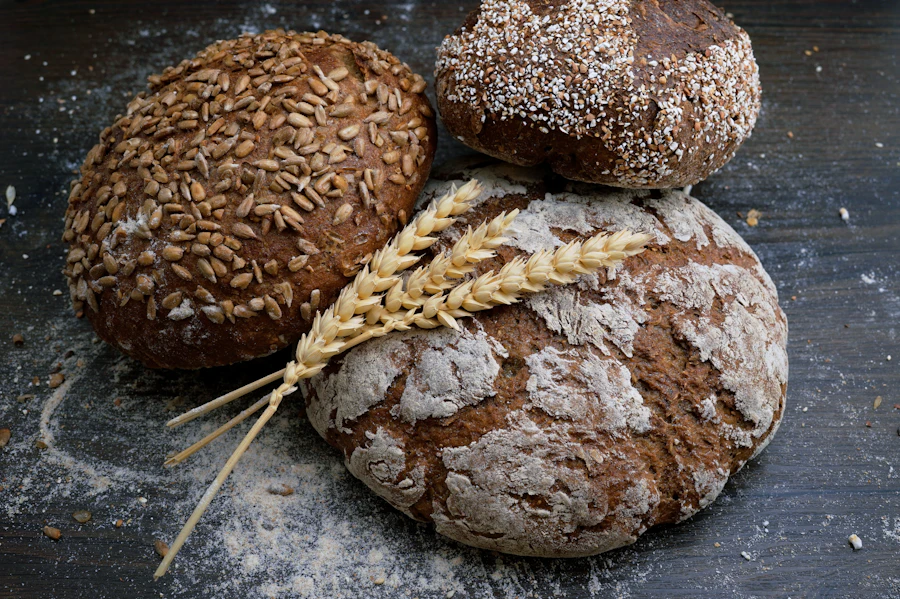
Weak scoring, uneven shaping tension, and early crust set force oven spring through sidewalls instead of your score.
Read article
Energy density, rapid oral processing, and engineered salt–sugar–fat loops—science in plain terms.
Read articleCookies, bread, nutrition, coffee, ice cream, sauces & more